
How to Keep Business Receipts Organized for Taxes — How-To #095
Tax time is the worst time to hunt for receipts. The shoebox, the glove box, the kitchen drawer — none of them is a system. This post shows you how to keep every business receipt in one place, sorted as you go, so tax time is calm and your books are true.
Disclosure: some links on this page are affiliate links. If you buy through one, Changenaire may earn a commission at no extra cost to you. As an Amazon Associate, Changenaire earns from qualifying purchases made through links on this page. Changenaire has no affiliate relationship with the authors or publishers named below — the figures in this post are reported from the public pages linked in the text, not from any partnership.
Go deeper (affiliate link — we may earn a commission): Bookkeeping For Dummies, by Lita Epstein (Amazon Associates link — we may earn a commission) — the plain guide to tracking sales, costs, and ledgers — the basics every small owner needs. Optional reading; the steps below stand on their own.
Key takeaways
- One folder for paper, one folder on your phone, and nothing in between.
- Snap a photo of every receipt the day you get it, and name it by month.
- Sort by month and by type: sales, supplies, travel, and meals.
- A ten-minute weekly check beats a ten-hour panic at tax time.
Step 1: Pick one home for every receipt
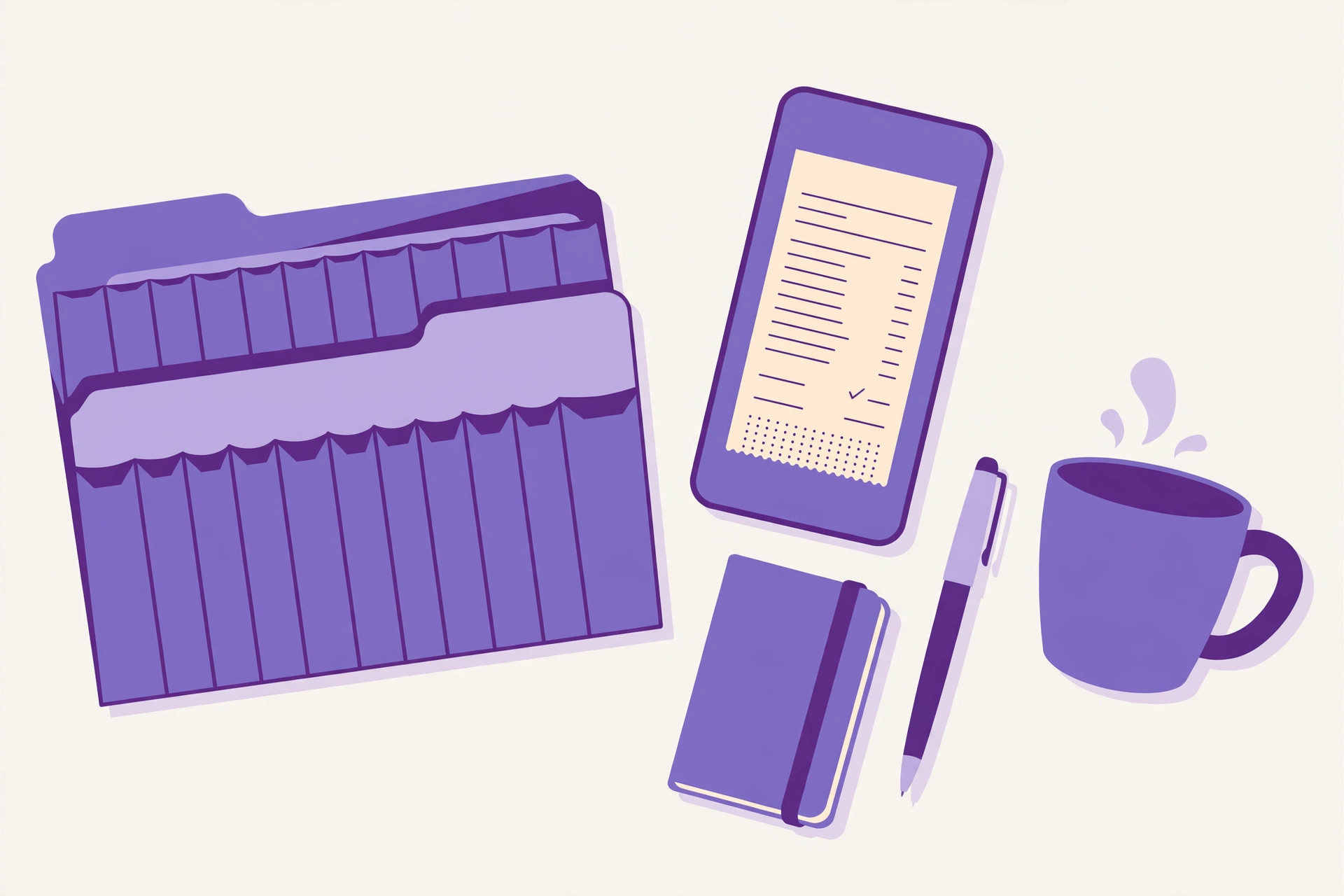
One folder for paper, one folder on your phone. Buy one folder with twelve pockets, one for each month. On your phone, make one folder for receipt photos, with a subfolder for each month. Every receipt goes to one of the two folders the day you get it. A receipt with no home is a receipt you will lose.
Snap a photo the day you get it. Paper fades, ink smears, and receipts get lost in pockets. Snap a clear photo of each receipt the day you get it, front and back if it has two sides. A photo is your backup, and a backup is what saves you when the paper is gone.
Step 2: Sort by month, then by type
Month first, type second. Drop each receipt into its month pocket, then sort the month into four piles: sales in, supplies out, travel, and meals. Four piles are easy to keep. Forty piles are not. The IRS recordkeeping page explains what to keep and for how long, and the IRS estimated tax page explains when to pay tax through the year.
Write on the receipt before you file it. A receipt that says only a store name tells you nothing in six months. Write on it: what it was for, and which job it belongs to. Two words on the back save you an hour of guessing at tax time.
Step 3: Keep business money apart
A business card buys business things. Pay for business costs from the business account, with the business card. Pay for home things from your own money. When the two mix, the books lie, and tax time turns into a hunt. A clean split is the whole trick.
Keep a short log of cash spending. Cash has no trail, so make one. Write the date, the place, and what it was for in a small notebook or a notes app. A cash cost with no note is a cost you cannot claim.
Step 4: Check for ten minutes each week
Ten minutes a week beats ten hours at tax time. Pick one day a week and spend ten minutes on the receipts: snap the week's photos, drop them in the month folder, and write on any that need it. A short weekly check keeps the pile small. A pile left for a year is a wall you will not climb.
Hand the sorted folders to your tax pro. When tax time comes, hand over the twelve month folders and the photo folder. A tax pro who gets sorted books can do the work fast and well. A tax pro who gets a shoebox will charge you for the sorting. Small Business Taxes: Schedule C Basics (How-To #024) explains the form the folders feed, and How to Find a QuickBooks Alternative (How-To #053) helps you pick a tool to hold it all.
At a glance
| Step | The short version |
|---|---|
| One home | Paper folder with twelve pockets, phone folder with twelve subfolders. |
| Sort by month | Month first, then four piles: sales, supplies, travel, meals. |
| Money apart | Business card for business costs, cash logged in a notebook. |
| Ten minutes weekly | Snap, file, and write on the week's receipts, every week. |
Common mistakes
The shoebox system. A shoebox is not a system — it is a pile with a lid.
Fix: Use one folder with twelve month pockets.
Waiting until tax time. A year's pile is a wall you will not climb.
Fix: Check for ten minutes each week.
Mixing business and home money. Mixed money makes the books lie and tax time a hunt.
Fix: Pay business costs from the business account.
A receipt with no note. A bare receipt tells you nothing in six months.
Fix: Write what it was for before you file it.
Questions people ask
How long should I keep business receipts?
Keep them for at least three years after the tax year they belong to, and longer for big items like gear and cars. The tax office can ask for them, and a photo backup counts if the paper is gone.
Do I need a special app to track receipts?
No. A folder, a phone camera, and ten minutes a week are enough to start. An app can help later, once the habit is set and the pile grows.
What if I lost a receipt?
A bank or card statement can back it up, and a photo or an email order note helps too. Write down what it was for while you still recall it, and keep the habit tight from here on.
Should I keep receipts for small cash costs?
Yes. Small cash costs add up, and a note in your log is all it takes to claim them. A cost with no note is a cost you cannot claim.
What comes next
This week: buy the twelve-pocket folder, make the phone folder, and snap every receipt you get. Small Business Taxes: Schedule C Basics (How-To #024) is the form the folders feed, and Give Your Business Its Own Budget (How-To #009) keeps the money split clean.
Did it stick?
7 quick questions from the guide above. Answer them all, then drop your email to see your score.
0 of 7 answered
Drop your email and your score shows up right here.
One email a day, plus more free step-by-step how-to guides. Unsubscribe anytime.
Subscribe for more free step-by-step how-to guides to help you get more things done to grow your business or project everyday.
Unsubscribe anytime.