
How to Run a Pre-Order That Pays You First — How-To #098
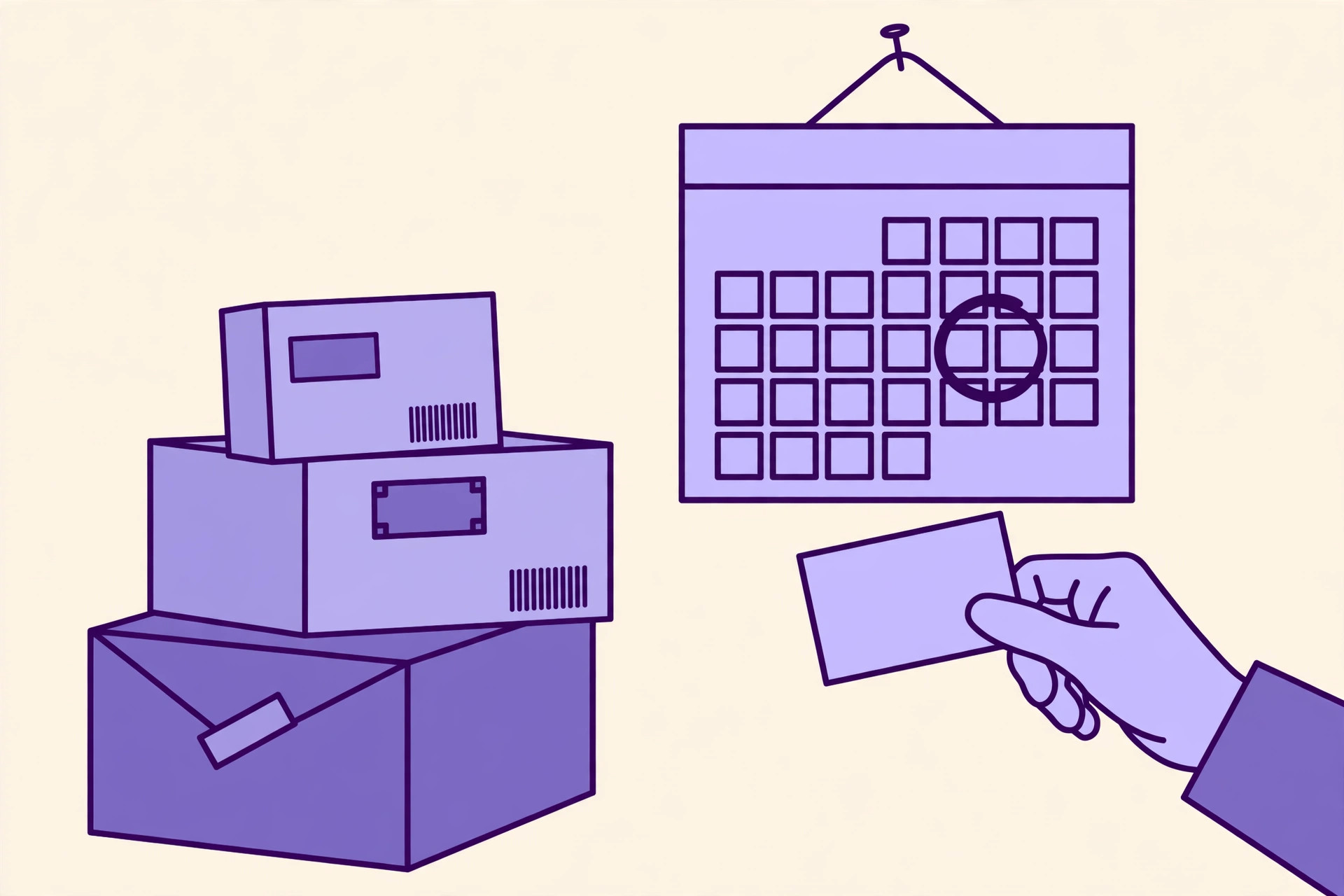
A pre-order flips the risk. Buyers pay before you make it, so you buy supplies with their money, not yours. You only make what is already sold. This post shows you how to run a pre-order that is fair, clear, and on time.
Disclosure: some links on this page are affiliate links. If you buy through one, Changenaire may earn a commission at no extra cost to you. As an Amazon Associate, Changenaire earns from qualifying purchases made through links on this page. Changenaire has no affiliate relationship with the authors or publishers named below — the figures in this post are reported from the public pages linked in the text, not from any partnership.
Go deeper (affiliate link — we may earn a commission): The Lean Startup: How Today's Entrepreneurs Use Continuous Innovation to Create Radically Successful Businesses, by Eric Ries (Amazon Associates link — we may earn a commission) — how to test an idea with real buyers before you build it — the method behind the pre-order. Optional reading; the steps below stand on their own.
Key takeaways
- A pre-order sells the promise with a clear date, a clear price, and a clear refund rule.
- Take payment up front, so supplies are bought with buyers' money, not yours.
- Cap the number of orders at what you can truly make on time.
- Tell buyers the ship date before they pay, and update them if it moves.
Step 1: Pick one product and one clear date
One product, one date, one price. Pick the product buyers already ask for, and name the date it will ship. The date must be real: the day you can truly have it packed and sent. A date you can keep beats a date that sounds fast.
Cap the orders at what you can make. Count how many you can make in the time you have, and cap the orders at that number. A cap protects you from a flood you cannot fill, and it tells buyers the offer is real. When the cap fills, close the orders and say so.
Step 2: Write the promise in plain words
Say what buyers get, when, and what if it is late. Write the promise where buyers pay: what the product is, the ship date, the price, and what happens if it is late. A refund rule in plain words builds trust before a single order lands. The FTC business guidance pages explain the rules on orders, shipping times, and refunds, and the SBA business plan guide helps you put the pre-order on a plan.
Take payment up front, in full. A pre-order with no payment is a wish list. Take the full payment when buyers order, so the supplies are bought with their money, not yours. Say so plainly on the page: your payment buys the supplies for your order.
Step 3: Tell your list first, then open it wide
Your list hears it first. Tell your email list and your past buyers first, with the date and the cap. They trust you most, and they will fill the first orders. Then post it on your social pages with a clear photo and the ship date in the first line.
Show the making as it goes. Post short notes and photos as you make the orders: the supplies, the first batch, the packed boxes. Buyers who see the work will wait calmly. Buyers who hear nothing will worry and write.
Step 4: Ship on time, then close the loop
Ship on the date you promised. Pack and send the orders on the date you named, and send the tracking link the same day. A pre-order kept on time turns buyers into fans. A pre-order that slips without a word turns fans into refunds.
If the date moves, say so early and kindly. If a delay comes, tell buyers before the date passes, not after. Say the new date, say why in one line, and offer the refund rule you wrote down. Most buyers will wait for a maker who tells them early. How to Validate Your Business Idea (How-To #022) is the test behind the pre-order, and How to Get Your First 10 Customers (How-To #019) shows how to find the first buyers.
At a glance
| Step | The short version |
|---|---|
| One product | The product buyers ask for, with a real ship date. |
| Cap the orders | Only as many as you can truly make on time. |
| Plain promise | What, when, price, and the refund rule — where they pay. |
| Ship on time | Tracking link the same day; early word if the date moves. |
Common mistakes
A date you cannot keep. A fast date that slips breaks trust faster than a slow date kept.
Fix: Name the date you can truly keep.
No cap on orders. A flood you cannot fill turns fans into refunds.
Fix: Cap the orders at what you can make.
No refund rule in writing. A buyer who cannot find the rule will assume the worst.
Fix: Write the rule where buyers pay.
Silence while you make it. Buyers who hear nothing will worry and write.
Fix: Post short notes and photos as you make the orders.
Questions people ask
Should I take full payment or a deposit for a pre-order?
Full payment is the norm for small makers, because it buys the supplies. Say so plainly on the page, and write the refund rule next to it so buyers know the deal.
What if I cannot fill all the orders?
Cap the orders before you open, so it never happens. If it still happens, tell the buyers early, offer a refund or a later date, and let them choose.
Can I run a pre-order for a service?
Yes. A pre-order for a service is a booking with payment up front: a date, a price, and a clear change rule. The same promise — what, when, and what if it moves — applies.
How do I price a pre-order?
Price it like a normal order, with the full cost in mind: supplies, time, pack, and postage. A small thank-you cut for early buyers is fine, but do not price it so low that the work starves you.
What comes next
This week: pick the product, name a real ship date, and write the promise in plain words. How to Validate Your Business Idea (How-To #022) is the test behind it, and How to Start an Email List From Zero (How-To #032) is where the first orders will come from.
Did it stick?
7 quick questions from the guide above. Answer them all, then drop your email to see your score.
0 of 7 answered
Drop your email and your score shows up right here.
One email a day, plus more free step-by-step how-to guides. Unsubscribe anytime.
Subscribe for more free step-by-step how-to guides to help you get more things done to grow your business or project everyday.
Unsubscribe anytime.